
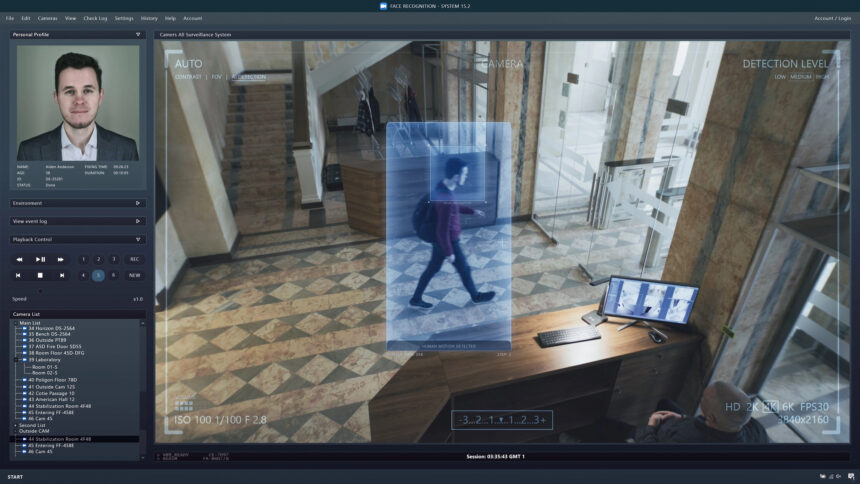
AI-powered background replacement features in Wondershare Filmora V15 let creators change video backgrounds effortlessly, eliminating the need for a studio, green screen, or complex setup. The advanced AI technology automatically detects the subject in the video, separates it from the background, and allows users to replace or enhance scenes instantly, making it a game-changer for content production.

Photo: cyprus-mail.com
Background replacement: Embracing Virtual Production
The rise of virtual production is revolutionising video creation, blending digital environments with real-time effects. Tools like LED walls, CGI, and motion capture are redefining how filmmakers approach their projects. According to market reports, the global virtual production industry is set to grow from $2.1 billion in 2025 to $8.76 billion by 2030, highlighting a significant trend towards mainstream adoption.

Photo: cyprus-mail.com
Innovative Features of Filmora V15
Wondershare Filmora V15 enhances this trend by providing an accessible, user-friendly platform for video creators. The software’s key features enable seamless background replacement, elevating the quality of various content types. Here’s a closer look:
Smart Cutout for Precision Editing
When precision is crucial, Smart Cutout becomes indispensable. This feature allows for detailed control, enabling users to remove unwanted objects or isolate subjects with ease. The AI rapidly identifies the cutout target, streamlining the editing process. Users can adjust settings like “Brush Size” and “Edge Thickness” to refine their edits, while auto-tracking maintains consistency across frames, even for moving subjects.
Dynamic Background Overlay Effects
The background overlay effect provides an alternative method for capturing and isolating human subjects in videos. This feature is particularly useful for tutorials and social media content, allowing creators to emphasise their subjects without distractions.
Chroma Key for Versatile Background Removal
Filmora V15 also includes a robust Chroma Key feature, perfect for removing specific colours from footage. This tool is invaluable for eliminating solid backgrounds and achieving a professional look. Users can adjust tolerance levels, feather edges for a natural blend, and fine-tune transparency, resulting in polished visual presentations.
Wide-Ranging Use Cases
Filmora V15’s AI-powered background replacement opens up a world of possibilities for content creators. For educators, it helps isolate instructors or key elements in tutorials, enhancing the learning experience. On platforms like TikTok, Instagram, and YouTube, creators can replace backgrounds or add engaging effects to captivate their audience. Marketing videos also benefit significantly, as virtual sets elevate products and services, presenting them in a polished manner.
Influencers and vloggers can leverage these tools to create dynamic content that mimics studio production without the associated costs. Additionally, Filmora V15 supports educational demonstrations, making complex topics more accessible by emphasising essential diagrams or explanations.
Wondershare’s Mission and Reach
Founded in 2003, Wondershare is a global software company dedicated to simplifying creativity and productivity. With a mission to empower creators, Wondershare offers an array of innovative tools, including Filmora for video editing, PDFelement for document management, and Edraw for diagramming. With over 2 billion active users worldwide, Wondershare continues to expand the possibilities of creativity across various platforms and regions.